Introduction to HEVC and Media Offline Issues
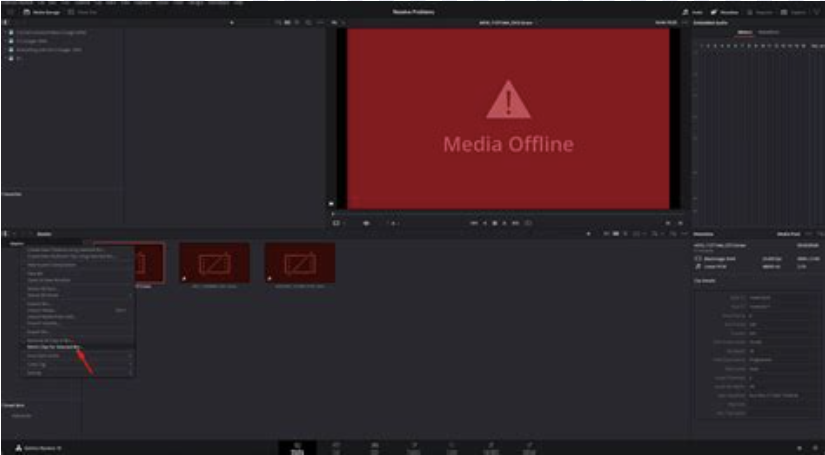
Using DaVinci Resolve on Windows 11 can be an excellent experience, provided that all necessary codecs are properly installed. Recently, I encountered a media offline error while working on a fresh installation of Windows 11. Interestingly, this issue arose when I noticed that videos would not play, prompting me to purchase the HEVC extension from Microsoft.
Understanding the OEM vs. Fresh Install Difference
This situation is particularly prevalent among users who transition between OEM setups and fresh installations. In my case, the OEM version came preloaded with certain codecs, including the HEVC extension, which allows for the playback of high-efficiency video codecs. However, my fresh Windows installation lacked this key component. The discrepancy can often lead to frustration, especially when encountering errors such as ‘media offline’ in editing software like DaVinci Resolve.
Installing the HEVC Extension Manually
After researching the issue further, I found that while the Microsoft Store offers the HEVC extension, it may not be compatible with all devices. However, you can access an alternative solution through the Internet Archive. I successfully downloaded the HEVC Video Extension using the following link: HEVC Video Extension. After installing the downloaded ZIP file, DaVinci Resolve worked flawlessly once again, resolving the media offline errors.
In conclusion, it’s crucial to ensure that your codecs are in place after installing Windows 11 fresh. By obtaining the necessary extensions, users can optimize their video editing experience without significant roadblocks.